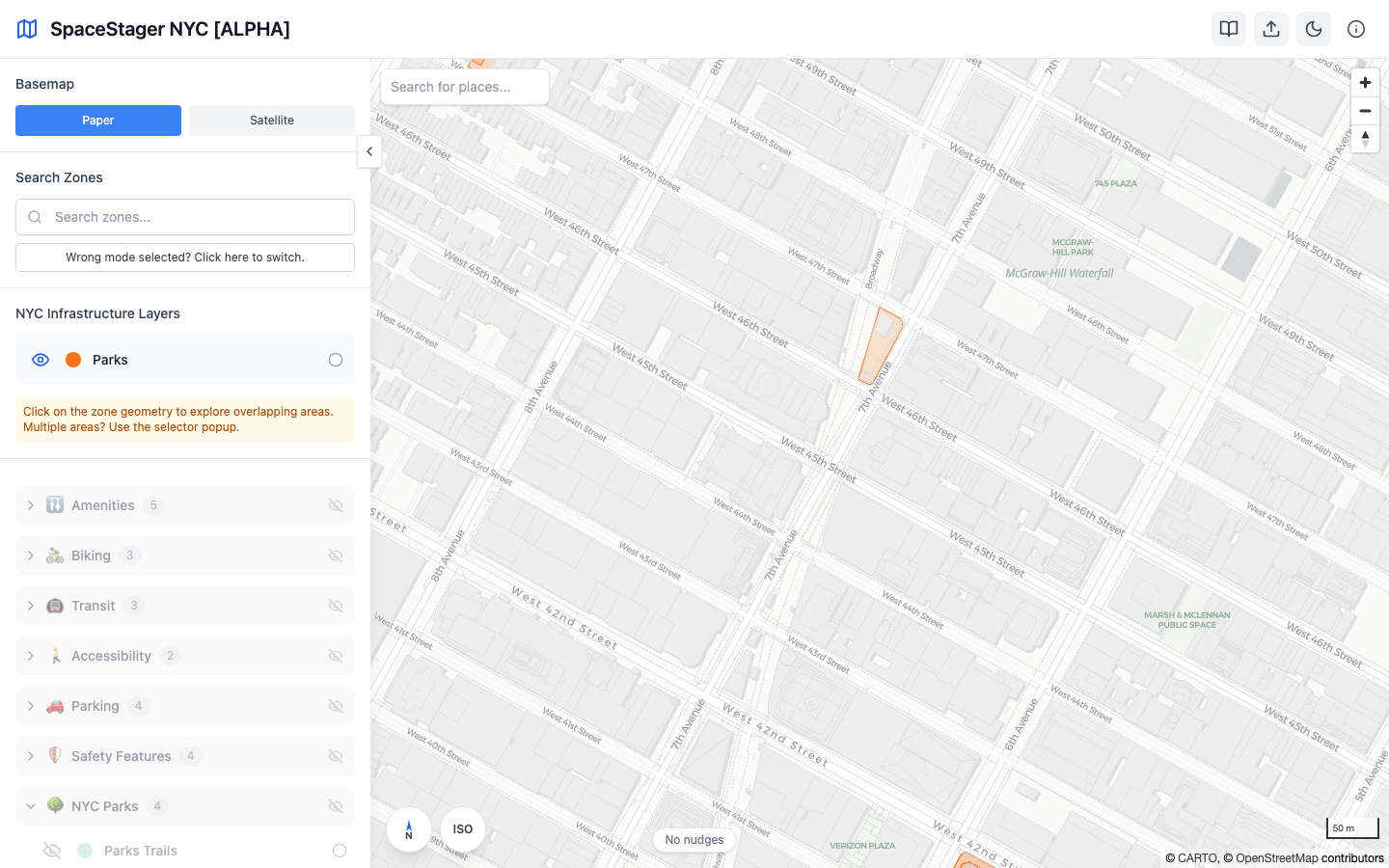
Map Basics
- Pan and zoom with mouse/touch; use the on-map controls for zoom/rotation.
- Basemap: switch between Paper and Satellite via the left sidebar Basemap section.
- Search: use "Search Zones" to find Parks, Plazas, or Intersections; click a result to focus.