SAPO Walkthrough
End-to-end example for planning a street event in NYC.
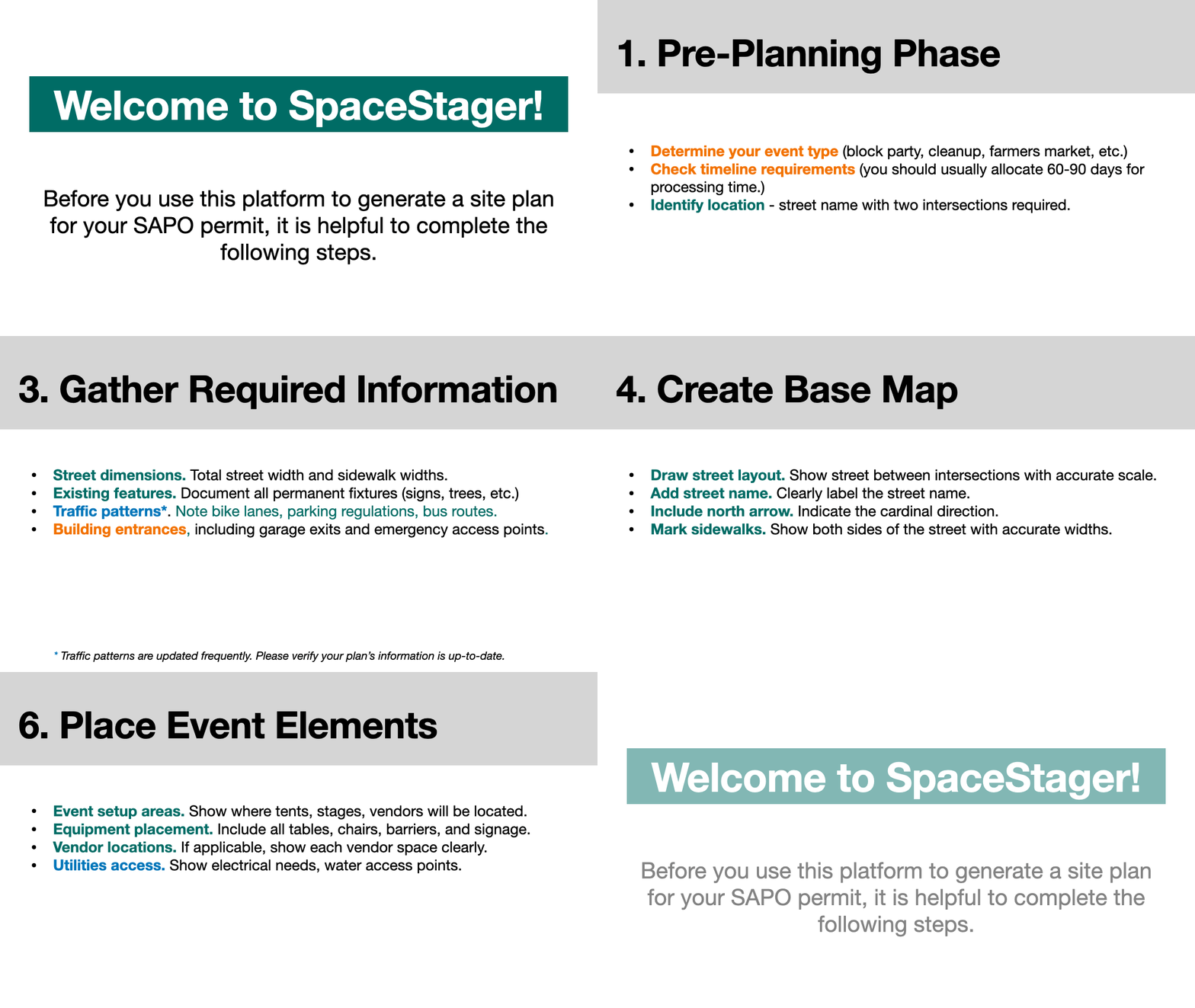
Steps:
- Choose Intersections mode and search the block.
- Focus the target segment and place objects.
- Add annotations (text, arrows) and export the site plan.
End-to-end example for planning a street event in NYC.
Steps: